Your event cover image is the first thing guests see the moment they open your invitation link. A strong image sets the mood before a single word is read. Invitofy lets you upload any photo or graphic as your event cover, and it becomes the visual foundation of your entire invitation. The upload is free and takes under a minute.
What an Event Cover Image Does on Invitofy
The event cover image serves two roles. First, it appears on your event page, the page guests land on when they open your invitation URL. Second, it becomes the background of your animated invitation card. This means your chosen image carries through the full guest experience: the WhatsApp or email message, the invitation card, and the RSVP screen.
This continuity matters. Guests who receive a card with a photo they recognise, a couple, a venue, a birthday portrait, feel a personal connection to the event immediately. Generic template backgrounds still work well, but a personal image makes your invitation feel made specifically for the person receiving it.
The cover image also appears in link previews when you share the invitation URL on WhatsApp groups or social media. A strong image in that preview increases the chance that people tap the link instead of scrolling past it.
Supported Formats and Ideal Dimensions
Invitofy accepts JPG, PNG, and HEIC image files. JPG is the best choice for photographs because it gives you small file sizes at high quality. PNG works well for graphics with transparent backgrounds, sharp edges, or text baked into the design. If you shoot on an iPhone, HEIC files are accepted directly, no conversion needed.
For a portrait card that fills a mobile screen without cropping, upload at 1080 by 1920 pixels. Square images at 1080 by 1080 pixels also work cleanly. Avoid anything narrower than 800 pixels, images at low resolution appear soft or pixelated on modern phone screens, which undermines the impression your invitation makes.
Use the original file from your camera wherever possible. Avoid screenshots of other invitations or images saved from social media, these have already been compressed once and will look noticeably worse when rendered as a full-screen card.
How to Upload Your Event Cover Image
Log in to Invitofy and open the event you want to customise. Go to the design or settings section of your event. You will see the cover image upload area. Click or tap it, select your photo from your device, and confirm. Invitofy stores the image and applies it to your event page and invitation card straight away.
If you are updating an existing event, the new image replaces the previous one automatically. Guests who open the invitation link after you save will see the updated image. Guests who have already RSVPed are not affected, their response stands regardless of design changes.

Using a Canva Design as Your Cover Image
A popular workflow among Invitofy users is to design the invitation background in Canva and upload it as the event cover image. Canva gives you access to thousands of templates, fonts, and decorative elements. Design your background at 1080 by 1920 pixels, export it as a PNG at maximum quality, and upload it to Invitofy.
Once uploaded, the Invitofy card editor lets you layer dynamic text fields, animations, music, and the RSVP link on top of your Canva background, all free. This gives you professional-quality design without paying a designer. The complete workflow is covered in the guide to using a Canva invitation template with Invitofy.
Choosing the Right Event Cover Image
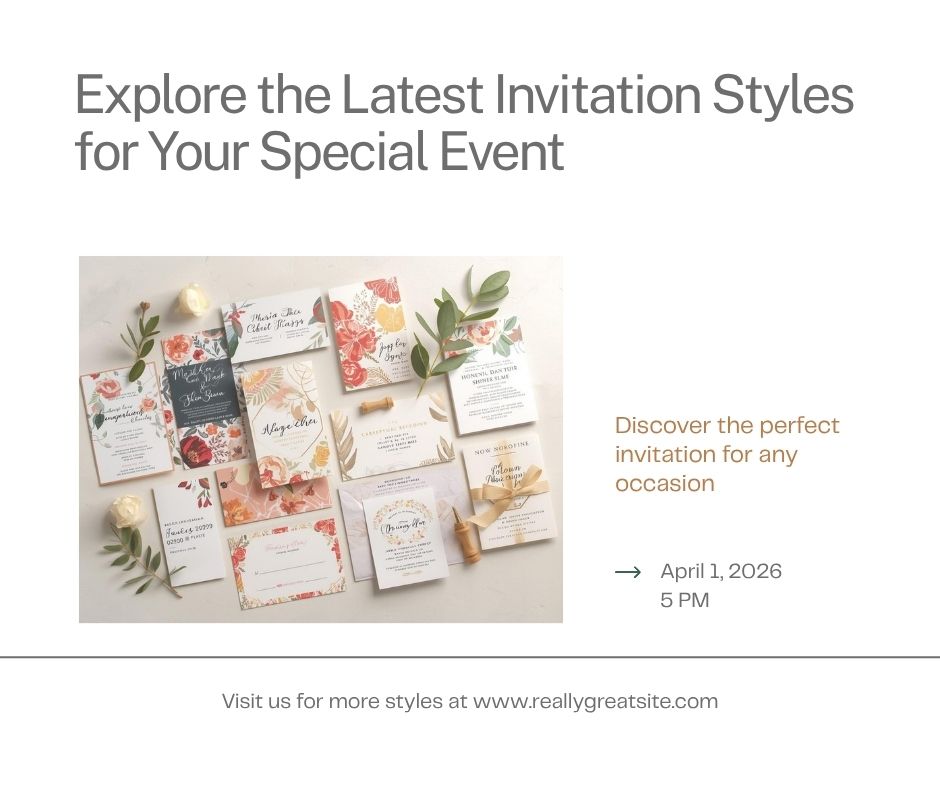
The best event cover image is one your guests associate immediately with the event. For a wedding, an engagement photo or venue shot works well. For a birthday, a portrait of the guest of honour. For a corporate event, a branded graphic with your company logo on a clean background signals professionalism before the guest reads the event details.
Pay attention to where the text will sit on the card. The invitation text, names, date, venue, overlays the image, so you need clear, uncluttered space in the centre. Images that are dark at the edges and lighter in the centre, or images with a soft gradient overlay, make text far easier to read on a small screen. High contrast between your text colour and the image beneath it is the most important factor for readability.
What to Avoid
Avoid images that are too busy in the centre, detailed patterns, group photos with many faces, or heavily textured backgrounds make the text on top very hard to read. Avoid very dark images if you plan to use dark-coloured text, and avoid very light images if you plan to use white text. Test the card on your own phone before sending to your full guest list.
Also avoid images with embedded text already in them, for example, a saved screenshot of someone else's invitation. That text will conflict visually with the text you add in the Invitofy editor. Start from a clean photo or background graphic.
Event Cover Image vs Invitation Card Background
On Invitofy, the event cover image and the card background are related but distinct. The cover image is the primary visual for your event, it appears on the event page and in link previews. In most cases, your uploaded cover image also becomes the card background your guests see inside the animated invitation viewer.
If you want a different image for the card itself, the card editor lets you upload an alternative background without changing your event cover image. Both uploads are free and independent. Most users keep them the same for consistency across the guest experience.
Why a Strong Cover Image Improves Response Rates
According to research from the Nielsen Norman Group, users scan photos quickly and form judgements about content quality before reading. A well-chosen event cover image communicates that the event is well-planned and worth attending, before the guest has read a word.
Hosts who use a personal photo or custom-designed graphic consistently receive more comments from guests about how impressive the invitation looks. That conversation starts the relationship with your event on a positive note. For more on what makes a digital invitation effective, read the guide on party invitation design tips.
Upload your event cover image today. Create your free Invitofy account, start an event, and have a personalised, animated invitation ready to send in under 10 minutes.